SAP
Driving Efficiency for 100k+ users with 3x Faster Task Completion
My Role
Design Lead
Project Duration
18 months
Efficiency
3x Faster
Ease of Use
4.4 / 5
User Satisfaction
⬆ ️200%
Overview & Problem
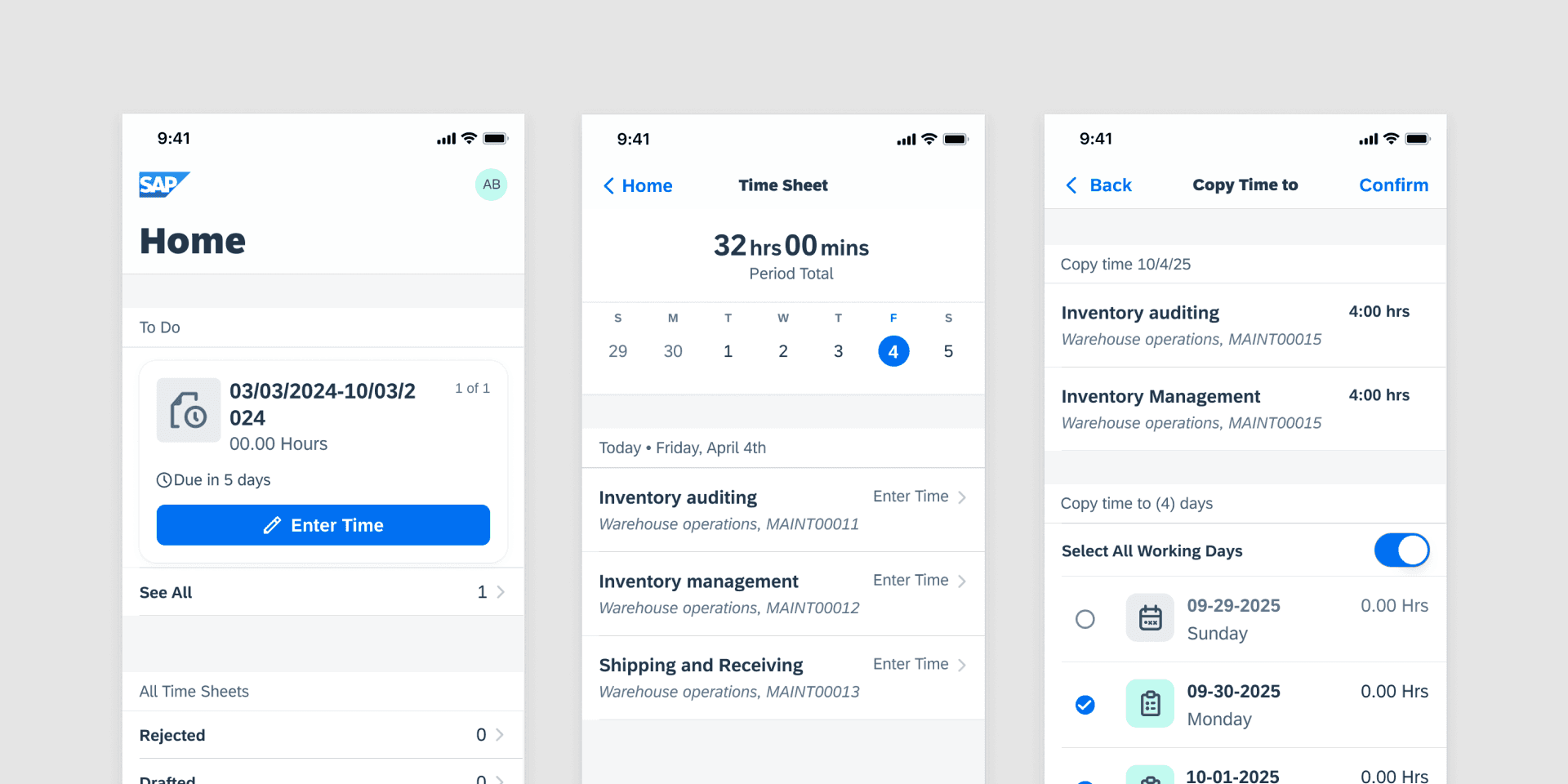
Slow, frustrating Time Entry for 100K+ users
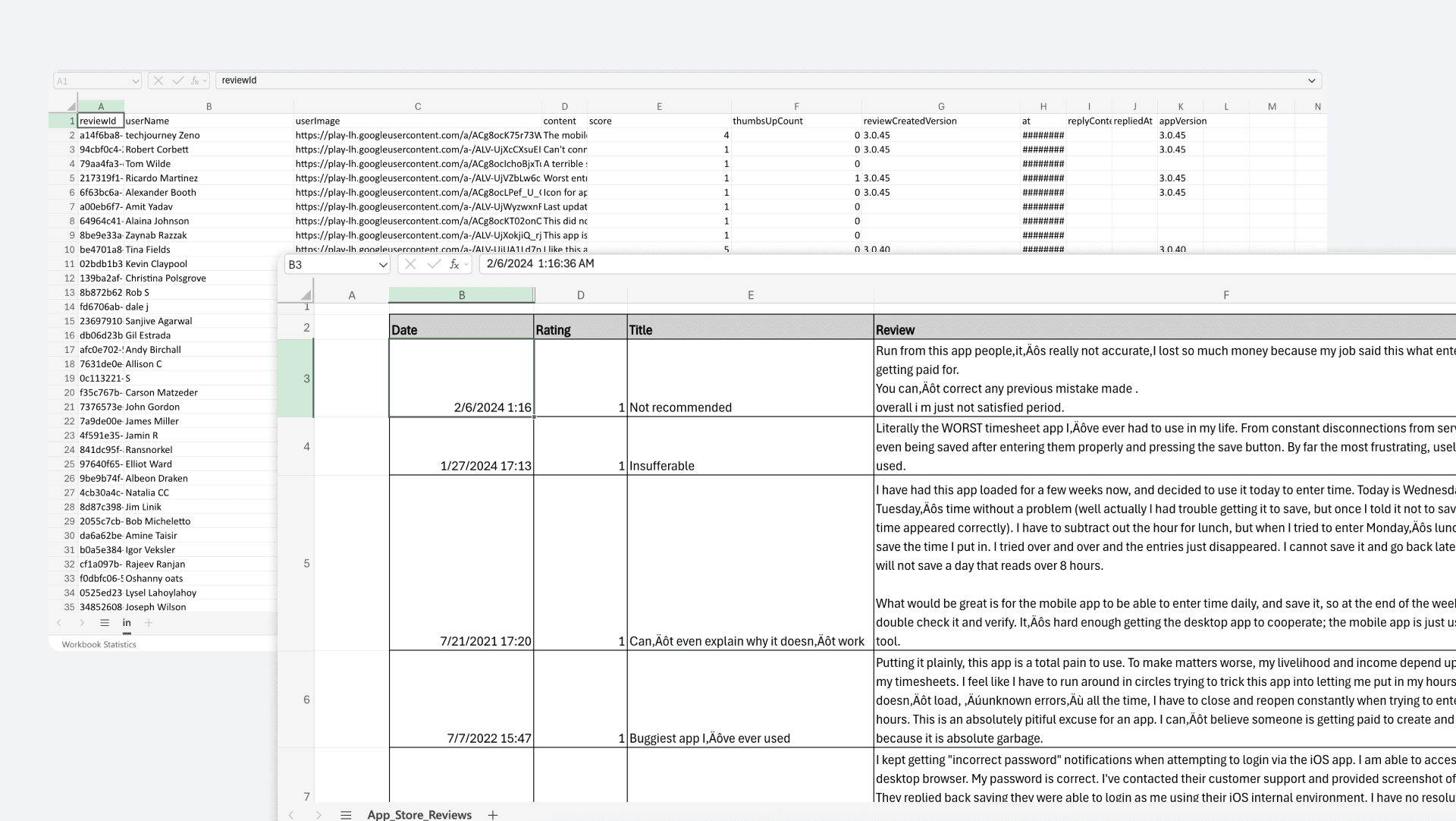
The SAP Time Entry Mobile App helps workers submit their time sheets “on the go”. This is intended to help workers on job sites that don’t have access to their computers. However, the mobile app received hundreds of poor reviews in the app stores because it made entering time more difficult. This cost the company both reputation and efficiency, signaling a clear need to reimagine the experience from the ground up.

N
Noff98
Jan 12, 2025
⭐ 1.0 ️️
Slllloooooowww
“This app is so slow and the UI is almost unusable...takes 10 mins to complete what should be a 20 second task...”
H
hotguitar
July 1, 2024
⭐ 1.0 ️
Wow tap tap tap tap type tap tap tap tap type
“The UX on this app is a joke. Way too many screens to go through while entering timesheet values.”
P
pcurve123
August 9th, 2025
⭐ 1.0 ️️
Just use the web version
“It takes me 10 times longer to complete my weekly timesheet on the mobile app because it requires 3 times as many clicks with updates in between.”
J
Johnsorc1
Jan 19, 2022
⭐ 1.0 ️️
Will Delete
“What should take about a minute to complete now takes nearer 30. Will delete and use the web page until this is resolved”
Solution & Impact
From slow and tedious time entry to just a few clicks.
To address this issue I lead a ground up redesign for a new mobile application. The new designs improved overall satisfaction and significantly reduced the time it took for workers to submit their time sheets.
Efficiency
3x Faster
Ease of Use
4.4 / 5
User Satisfaction
⬆️ 200% increase
Total Page Count
⬇️ 45% decrease
Total Input Field Count
⬇️ 65% decrease

The Design Process
With no dedicated project manager I lead the design process from research to dev handoff
There was no dedicated project manager for this project. On top of leading design, I was also in charge of establishing weekly project goals and keeping the project on track. This also involved aligning stakeholders across product teams and accounting for their constraints. The design decisions I made were based on a combination of both qualitative and quantitative feedback.
Discover
Customer review
analysis
User Interviews
Competetive Analysis
Data Mining
Define
Problem Definition
Project Scoping
UX Audit
Design
Ideation
Wireframing
Prototyping
Mobile Design
Validate
Usability Testing
(2 rounds)
Developer Handoff
Research & Insights
Using AI to automate research and establish more accurate goals faster
To identify the design priorities, I used the App Store and Google Play store comments. With thousands of reviews, it was too time consuming to comb through the reviews individually. To efficiently synthesize the data, I reached out to the data science team for help. We pulled each review and summarized the findings using AI. This led to faster and more accurate data analysis. After extracting the most common problems workers faced, we were able to establish clear goals.
Project Goals
🚀
Faster time Entry
📚
Prevent Information Overload
✨
Adopt Modern Design Patterns
Design Decision
Introducing the copy time feature to speed up the time entry process
Through research I discovered that the majority of workers using the application were working the same tasks for the same amount of time each day.
However, the existing app required them to manually enter their time each day. To make this process easier, I introduced the ability to copy and paste time from one day to multiple days.
Design Decision
Using progressive disclosure to reduce information overload
The existing application was criticized for having too much information on each page. To address this issue, I identified various areas throughout the app where we could eliminate information or break up information into separate sections. This reduced the cognitive load by only showing the most necessary information at each step.

📦 Archived Designs

✅ New Designs
Design Decision
Adoption of Modern Design Patterns
Another common complaint was that the app felt outdated. Today’s workplace tools are held to a higher standard. By updating core components with contemporary UI patterns, we significantly improved both usability and user perception.
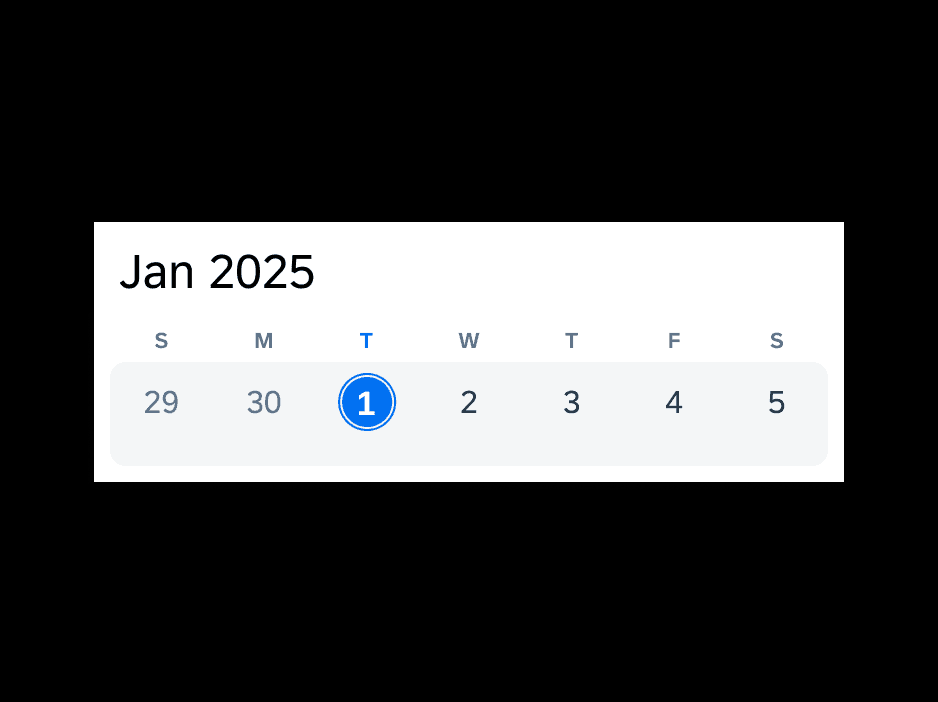
Calendar
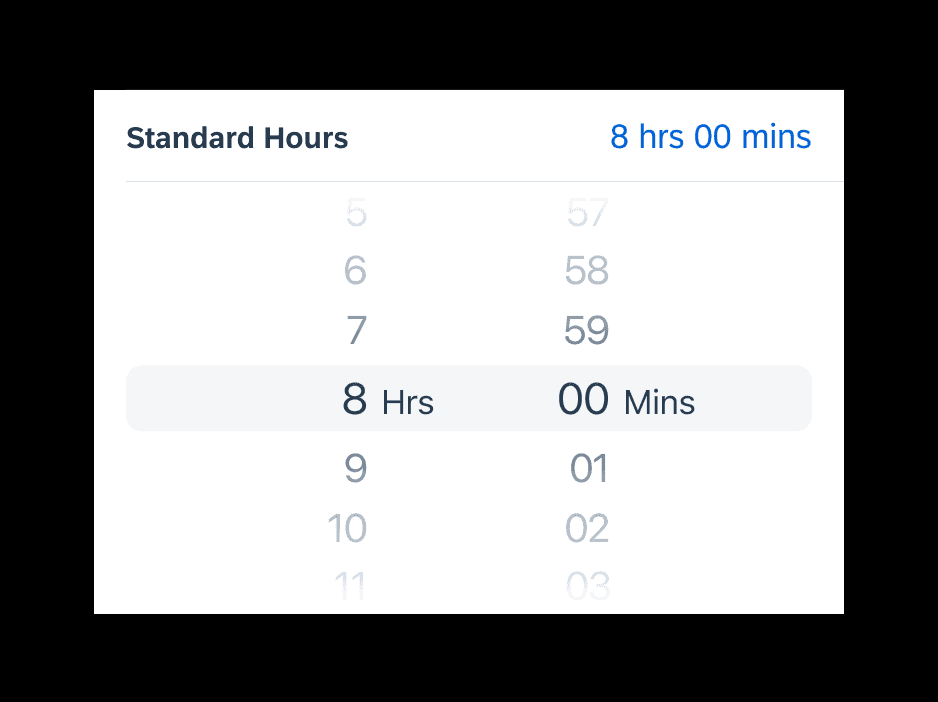
Time Picker
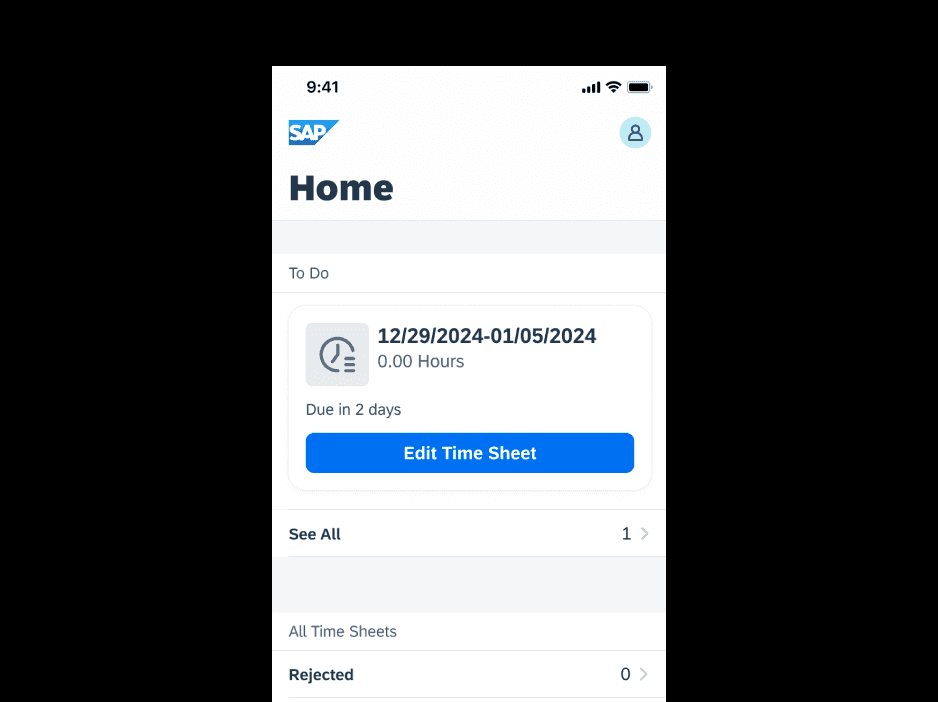
Card Carousel
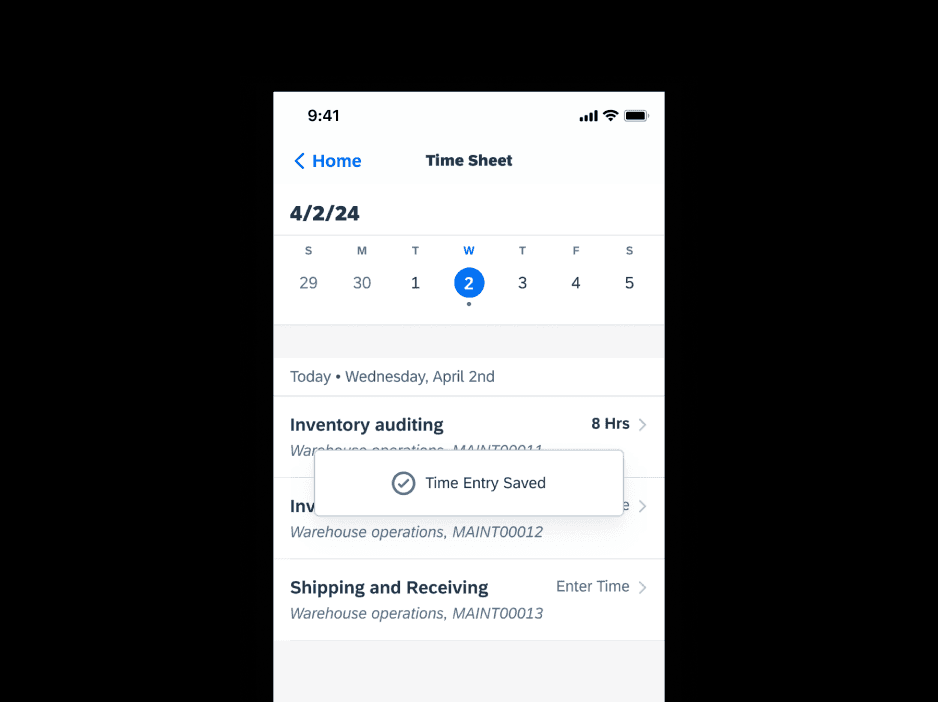
Toast (Success Message)
Happy Customers
⭐️ 4.4 out of 5
Ease of User (Usability Testing)
After validating the new design direction through usability testing with real workers, we received an average “Ease of Use” score of 4.4 out of 5. This was a big improvement from the existing app store rating of 1.3 out of 5. The application is scheduled for release in the spring of 2026.
Before
⏱️ Time Consuming Entry
📆 Outdated Design
ℹ Information Overload
After
🚀 Faster time entry
📱 Modern Design Patterns
📁 Progressive Disclosure & reduction in fields
U
Usability Participant 3
Jan 12, 2025
4 out of 5 ️️
“You’re making our work much easier...when will this tool be available to use?”
U
Usability Participant 1
Jan 12, 2025
5 out of 5 ️️
“Oh neat I don’t have to individually enter each field anymore. That’s cool.”

Let’s work together
Let’s build something together. Feel free to drop me a message